· 6 min read
How a Small Firm Could Use AI Without Sending Client Documents to the Cloud
James Godwin
Many small professional firms are caught between two uncomfortable choices.
They can use AI with client material and worry about where the data goes, or they can avoid AI and miss the workflow gains entirely.
Neither choice feels particularly good.
The first can create real questions about confidentiality, client trust, jurisdiction, retention, and what staff are quietly pasting into public tools. The second leaves people doing repetitive document work manually while knowing that some form of AI could probably help.
There is a third path worth exploring.
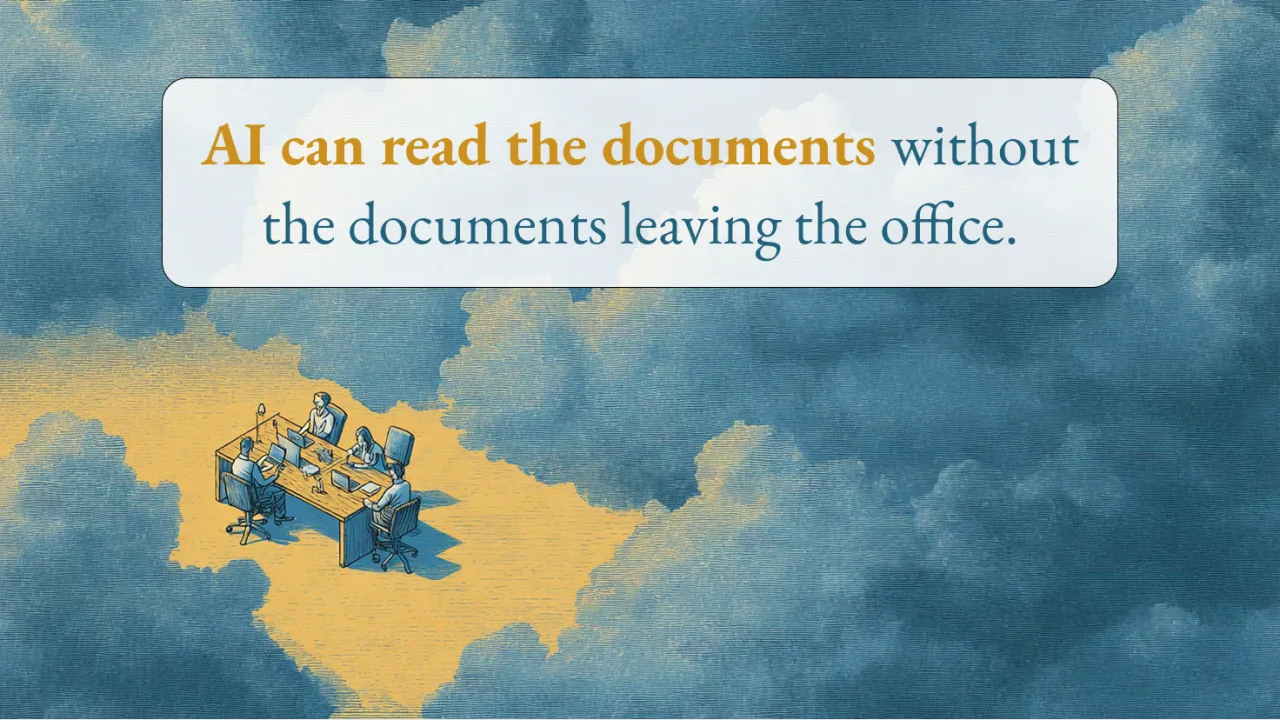
A small firm can begin with one controlled private AI workspace for a specific kind of sensitive work, without sending the source documents to a public cloud AI service.
This does not mean every firm needs to become anti-cloud. It does not mean local AI automatically creates compliance. It does not mean installing a model suddenly removes the need for professional judgement, permissions, backups, or careful review.
It means the firm can make a more deliberate decision about where particular work happens.
That distinction matters because the real AI risk inside a business is often not the official strategy. It is the workaround someone creates when the safe workflow is missing.
A staff member needs to summarise a long client document before a meeting. Someone needs to pull dates and actions from a folder of correspondence. A consultant needs to draft an update from notes scattered across several files. The pressure is real, the deadline is close, and a public AI tool is immediately available.
The person may not be trying to create risk. They are trying to finish the work.
A policy can tell them what not to do. But if the business does not provide a usable alternative, the pressure that created the behaviour remains.
That is where a private AI workspace becomes interesting.
Imagine a small law firm, accounting practice, financial advisory business, healthcare practice, or consultancy. The firm handles confidential documents every day, but it does not have a large internal IT department or an enterprise AI programme.
Instead of trying to transform the entire business, it starts with one bounded workflow.
A small computer sits inside the office or controlled network. It could be a Mac mini, Mac Studio, or another suitable machine with enough memory and storage. A local AI model runs on that hardware. Staff access it through a simple browser interface from their normal laptops.
The important part is not the brand of computer or the model name.
The important part is that the approved documents stay inside the controlled environment while the AI performs a narrow, useful task.
For example, the firm creates a temporary project workspace using copied sample or approved client documents. The source-of-truth files remain untouched. The workspace may contain correspondence, meeting notes, reports, contracts, policy documents, or a collection of PDFs related to one matter or project.
The local AI can then help with practical work such as:
- Summarising the document set
- Extracting dates, people, actions, and missing information
- Creating a chronology
- Comparing two document versions
- Identifying repeated issues or unanswered questions
- Drafting a client update from the reviewed findings
- Searching across approved templates and project material
The output is not treated as finished truth.
A person reviews it, corrects it, removes anything inappropriate, and decides what can be saved back into the firm’s normal systems.
That human review is not a weakness in the workflow. It is part of the design.
AI is useful here because it can reduce the effort required to find, organise, and draft from information. The professional remains responsible for judgement, context, accuracy, and the final decision.
This is also why local AI should not be sold as a private replacement for ChatGPT.
A chat window is only one surface. The useful system sits around it.
The system includes the hardware, local model, document workspace, permissions, backups, retrieval, review process, staff guidance, and the rules governing what can enter and leave the workspace.
Without those layers, a local model can become another uncontrolled tool. The files may remain inside the office, but the workflow can still be unclear, inconsistent, or unsafe.
The better question is not simply, “Can we run AI locally?”
It is, “Can we design one controlled workflow where local AI reduces useful work without weakening trust?”
That question keeps the first step practical.
A firm does not need to upload its entire client archive. It does not need to connect every system. It does not need to give the AI access to every folder, email account, or internal tool. It does not need to automate decisions that still require professional responsibility.
It can begin beside the existing workflow.
Copy a small approved set of documents into a controlled workspace. Run a defined task. Review the output. Measure whether it saved time or improved clarity. Check whether staff understood the boundaries. Then decide whether the workflow deserves to be repeated, improved, or stopped.
This approach also creates a healthier conversation about cloud AI.
Cloud tools are not automatically wrong. They are often stronger, easier to use, and appropriate for work that has been approved and does not contain sensitive material. A firm may decide that general brainstorming, public research, or non-confidential drafting can happen in the cloud while client-specific documents follow a more controlled local path.
The goal is better routing, not ideology.
Some work belongs in approved cloud services. Some work may benefit from staying local. Some work should not involve AI at all. The firm’s responsibility is to understand the difference and give staff a practical way to act on it.
Cost is part of the decision too.
Cloud AI often looks inexpensive at the beginning because there is no hardware to buy. Local AI requires an appliance, setup, maintenance, updates, storage, backups, and support. For a small firm, that investment only makes sense when it supports a real recurring workflow and a meaningful confidentiality or control requirement.
The case for local AI becomes stronger when the firm repeatedly works with sensitive documents, needs predictable internal access, wants greater physical control over the data path, or cannot accept informal staff use of public tools.
The case becomes weaker when the workflow is occasional, the material is not sensitive, or an approved cloud service already meets the firm’s needs more simply.
This is why the first useful step is usually not buying hardware.
It is understanding the workflow.
Where are staff already using AI? What documents are involved? Which tasks consume repeated time? What material must remain controlled? Who needs access? What review is required? What would a useful output look like? Where should that output be saved? What would make the experiment worth continuing?
Those questions turn local AI from a technology idea into an operating decision.
They also reveal something broader.
The pressure to use AI is not going away. Staff will keep seeing tools that promise faster summaries, better drafts, instant answers, and fewer repetitive tasks. Owners and partners will keep feeling the tension between usefulness and risk.
A blanket ban may reduce visible use, but it does not remove the pressure that made the tool attractive. It can simply push experimentation out of sight.
A controlled private workspace offers a calmer starting point.
It gives the firm somewhere specific to learn. It creates boundaries that can be explained. It keeps the first experiment narrow enough to inspect. Most importantly, it gives people a safer path for the work they are already trying to complete.
Local AI is not automatic compliance. It is not a replacement for judgement. It is not always better than cloud AI.
But for the right sensitive workflow, it may offer a useful middle path between uncontrolled public AI use and avoiding AI entirely.
If you run a professional firm, are people already using AI with client material, avoiding it completely, or stuck somewhere in between?